TOP > Simple Train Simulator
 |
|
| TOP > Simple Train Simulator |
|
|
|
 |
||
 |
 |
 |
Method to modify in your preference. |
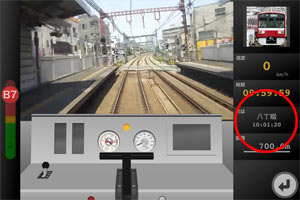
Change the station name.
Open "data.txt" file of "data" folder. and edit the text.
|
||||||
Set the max speed of the train
Open "data.txt" file of "data" folder. and add the next line.
|
||
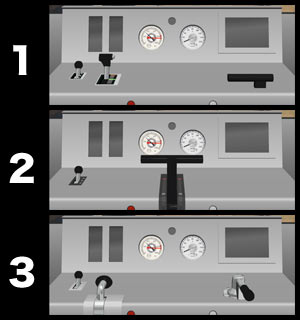
Change the style of cab
Open "data.txt" file of "data" folder. and add the next line.
|
||
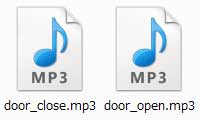
Set the door sound of the train
Create two mp3 sound files within 5 seconds, please input "data" folder.
|
|
Set the crossing location
Open "data.txt" file of "data" folder. and add the next line.
|
||
Remove rail joints noise Open "data.txt" file of "data" folder. and add the next line.
|
||
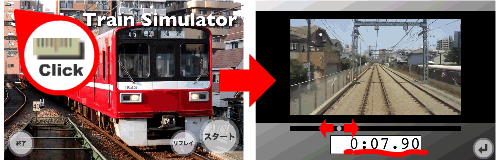
Set the timetable manually Open "data.txt" file of "data" folder. and edit the text.
|
||